• 16.08.2026, 19:46
  • Register
  • Login
  • You are not logged in.


Dear visitor, welcome to Aqua Computer Forum. If this is your first visit here, please read the Help. It explains how this page works. You must be registered before you can use all the page's features. Please use the registration form, to register here or read more information about the registration process. If you are already registered, please login here.

Eggy88

Newbie

Error msg when launching Aquasuite 2012

Thursday, January 19th 2012, 8:30pm

Just got the Aquaero 5 XT + 2x PA2's.

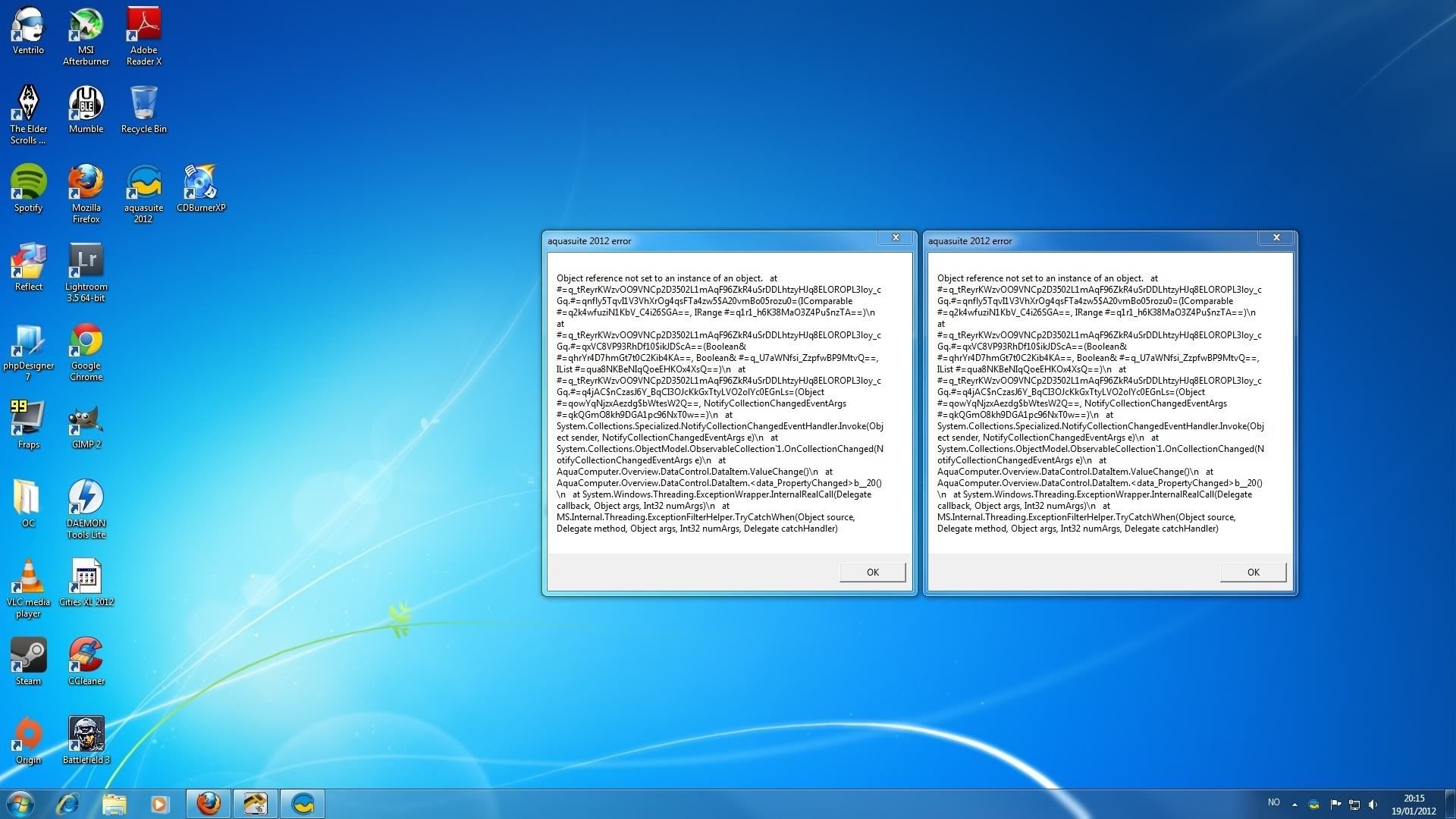
For now i have just connected 2 fans and a flow meter to the A5, the PA's are not connected yet. I managed to update the firmware rom 1010 til 1020 by Rescue Mode and everything worked fine for about an hour. Now when i launch the Aquasuite i get these two error msg's


If i uninstall Aquasuite it works, but as soon as i load the Default A5 page the error msg pops up and Aquasuite closes.

I have tried to reset it but not working, Working fine with Rescue Mode.

This post has been edited 1 times, last edit by "Eggy88" (Jan 19th 2012, 8:32pm)

Equinediver

Junior Member

Friday, January 20th 2012, 1:30am

If you look at this thread New Aquasuite 2012 beta you will see I had a similar problem.


Re-install fixed it, but each time I opened my old saved page I crashed. In the end I just had to make a new page and everything has worked fine since then.

Thorvald

Junior Member

Friday, January 20th 2012, 2:22am

I had the same problem after messing around, turned out I had a sensor unplugged that was referenced in my pages.


Kept crashing with a similar error when starting. I moved my pages out of the config in the Aqua directory and then it started fine, that's when I knew it was something on my page.


When I clicked on import page it crashed again.


So then I simply plugged in a bunch of dummy temp sensors since my case and Aqua were still in pieces, then it started just fine.


---


So in my case an unplugged temp sensor referenced on a page caused the error.

Eggy88

Newbie

Friday, January 20th 2012, 2:37am

Thanks guys. Working fine again now. Dont really know what caused it, but could be that i had left out a sensor that was on my page.